What's new in sandpie
New features, how to set them up, and what changed. Newest first.
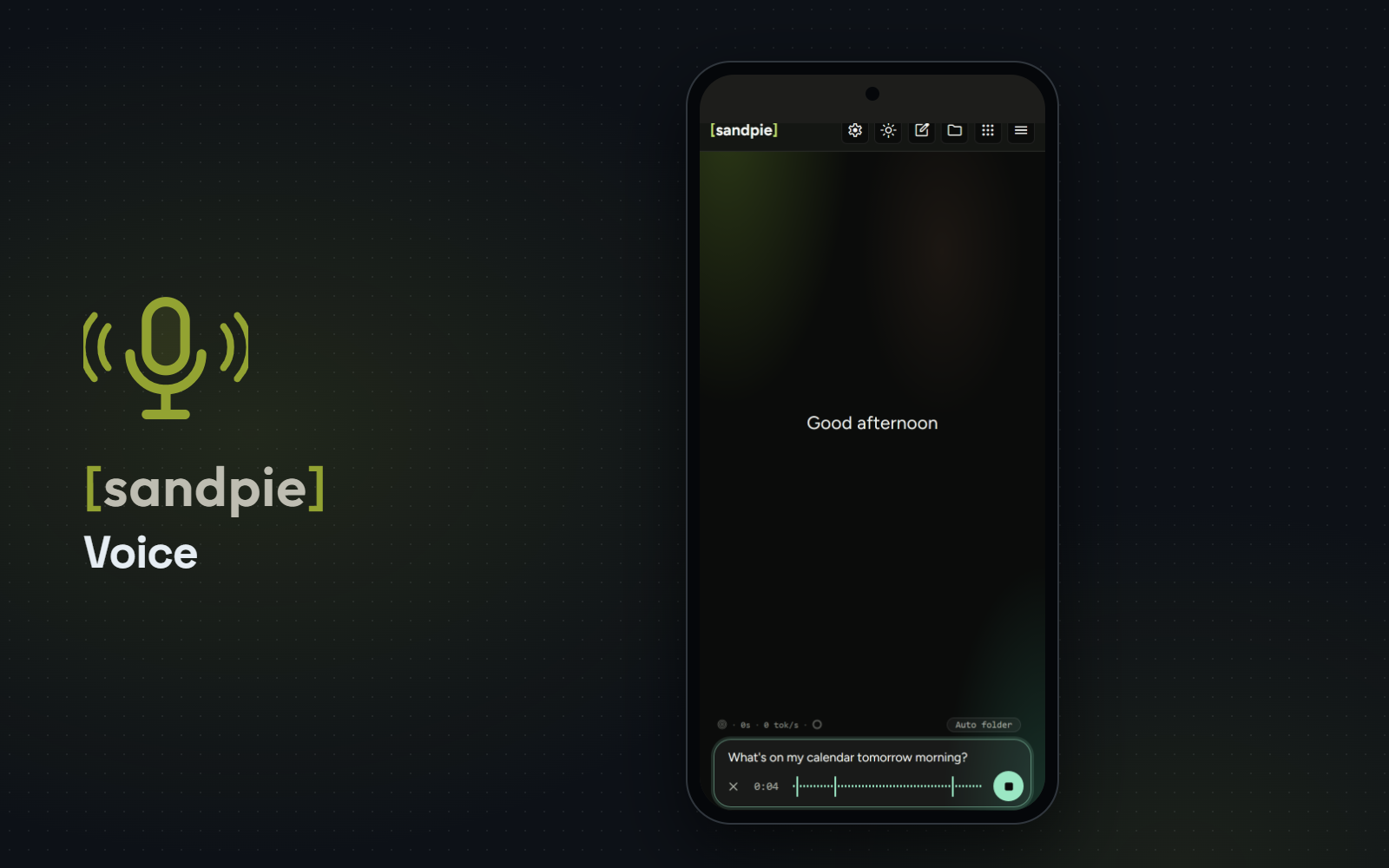
Talk to sandpie
Dictate instead of typing, say "OK SandPie" to ask without touching the screen, and hear the answer read aloud. In the Android app it works from the start, even with the phone in a car mount.
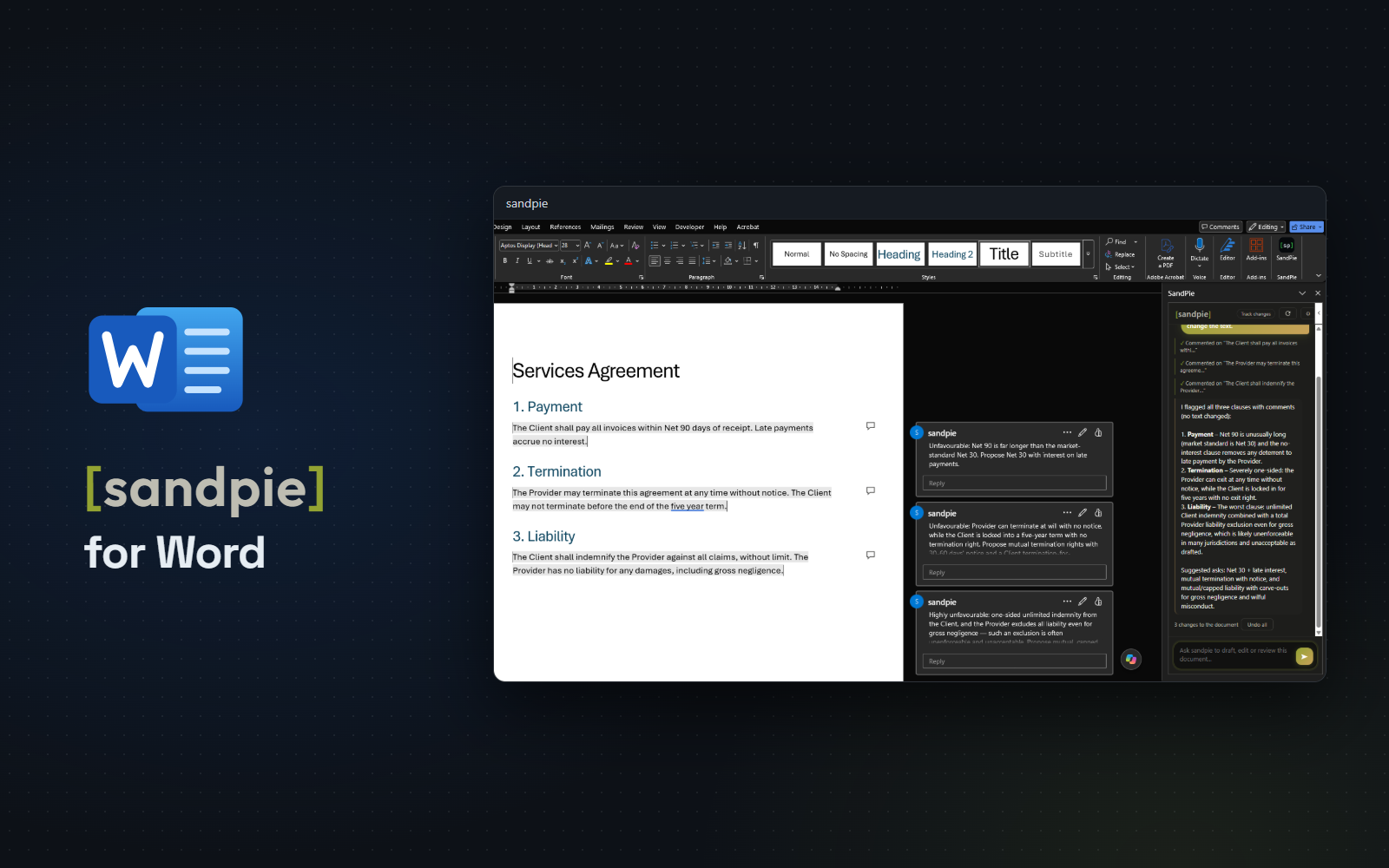
sandpie for Word
A sandpie button on Word's Home tab. Ask it to draft, edit or review the document you have open; edits arrive as tracked changes and review notes as Word comments.
sandpie for Android
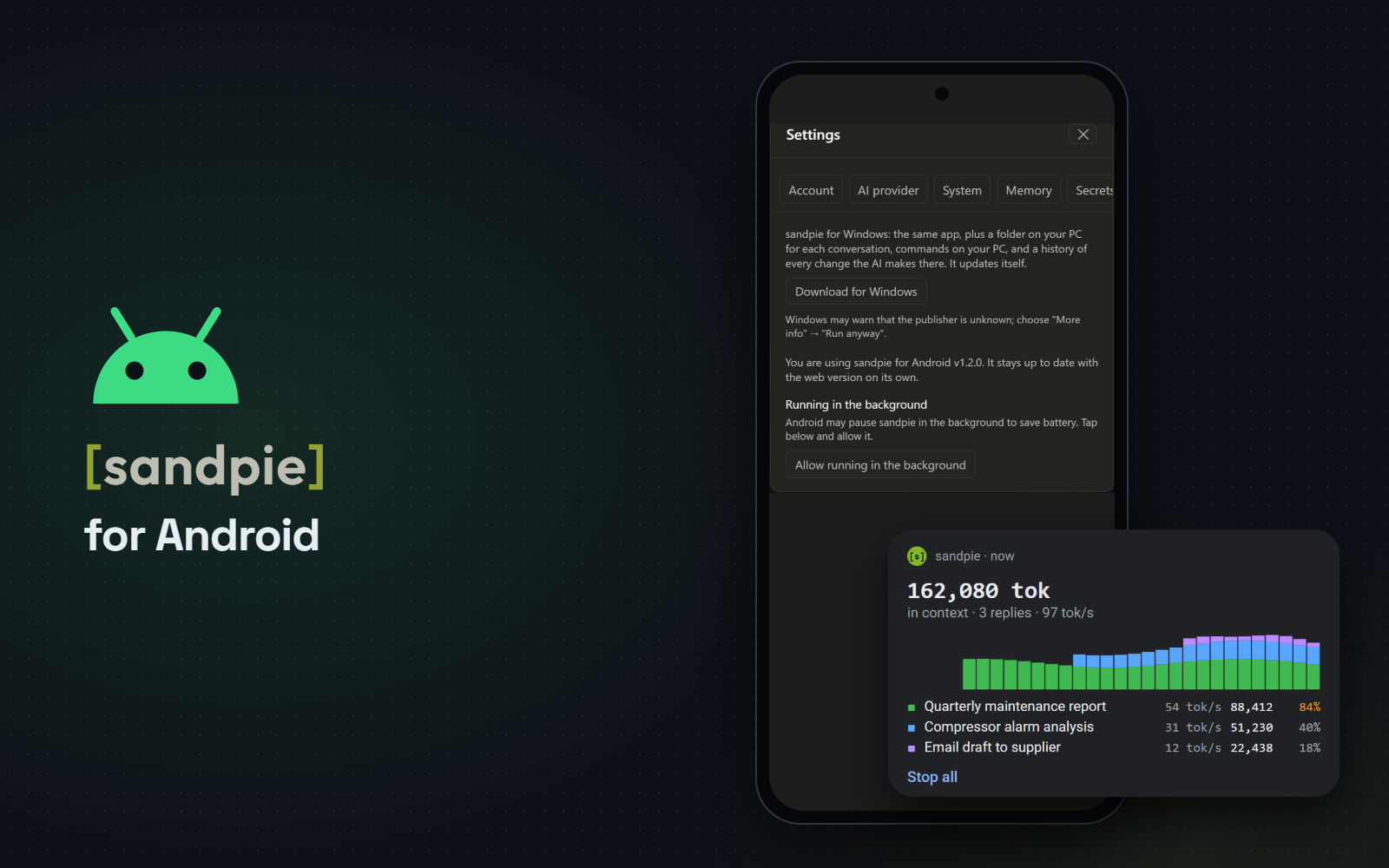
Install sandpie on your phone. Replies keep generating while you use other apps or lock the screen, and a live notification shows every reply in progress, with a button to stop them.
sandpie for Windows: the desktop app
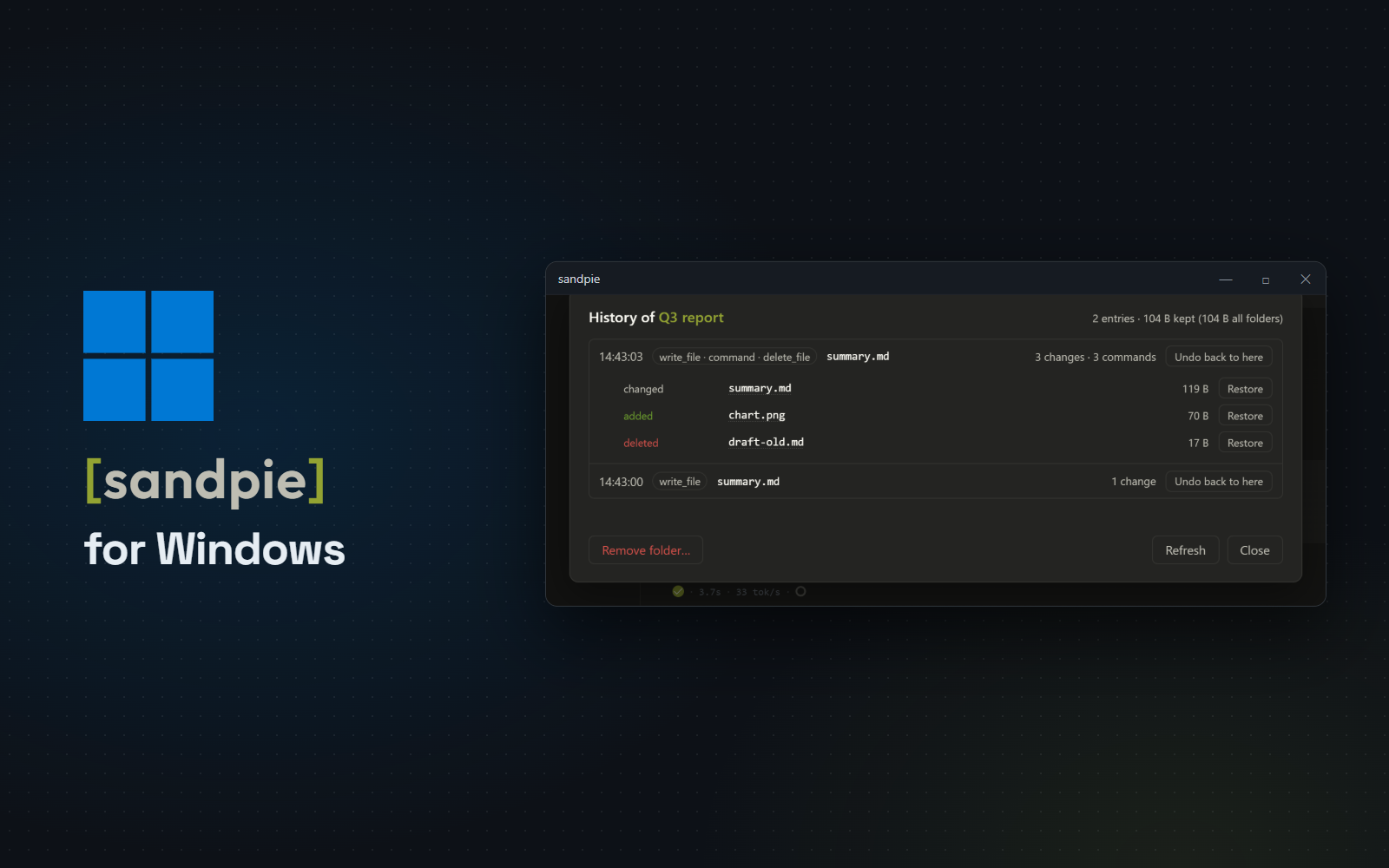
Install sandpie on your PC and each conversation can work in a real folder on your computer, run commands there and keep a history of every change, so anything can be undone. It updates itself.
Routines: sandpie works for you on a schedule
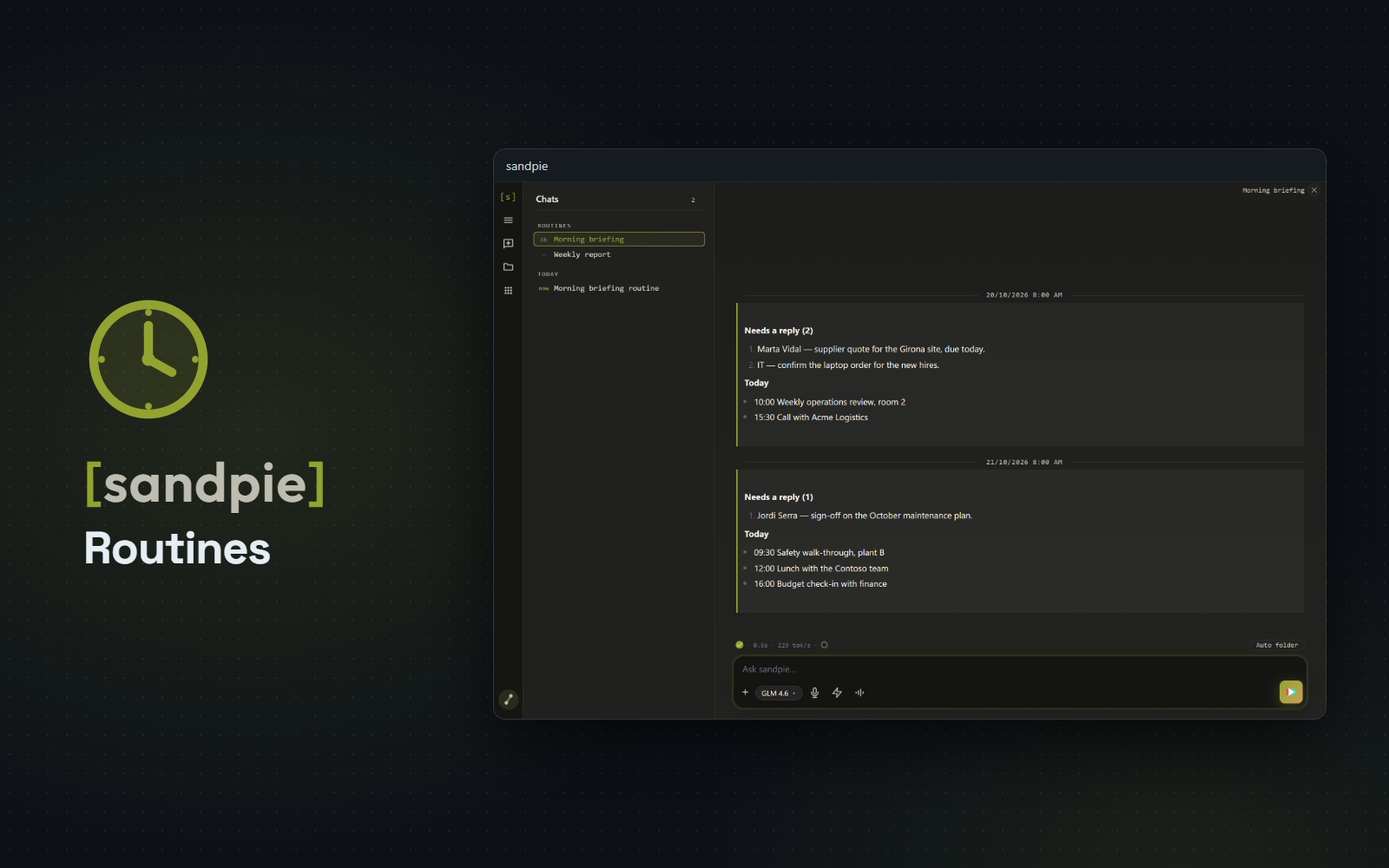
Ask sandpie to do something every morning, every Monday or every two hours, and it runs on its own. Each routine keeps one conversation with all its runs, so you can read the results whenever you like.
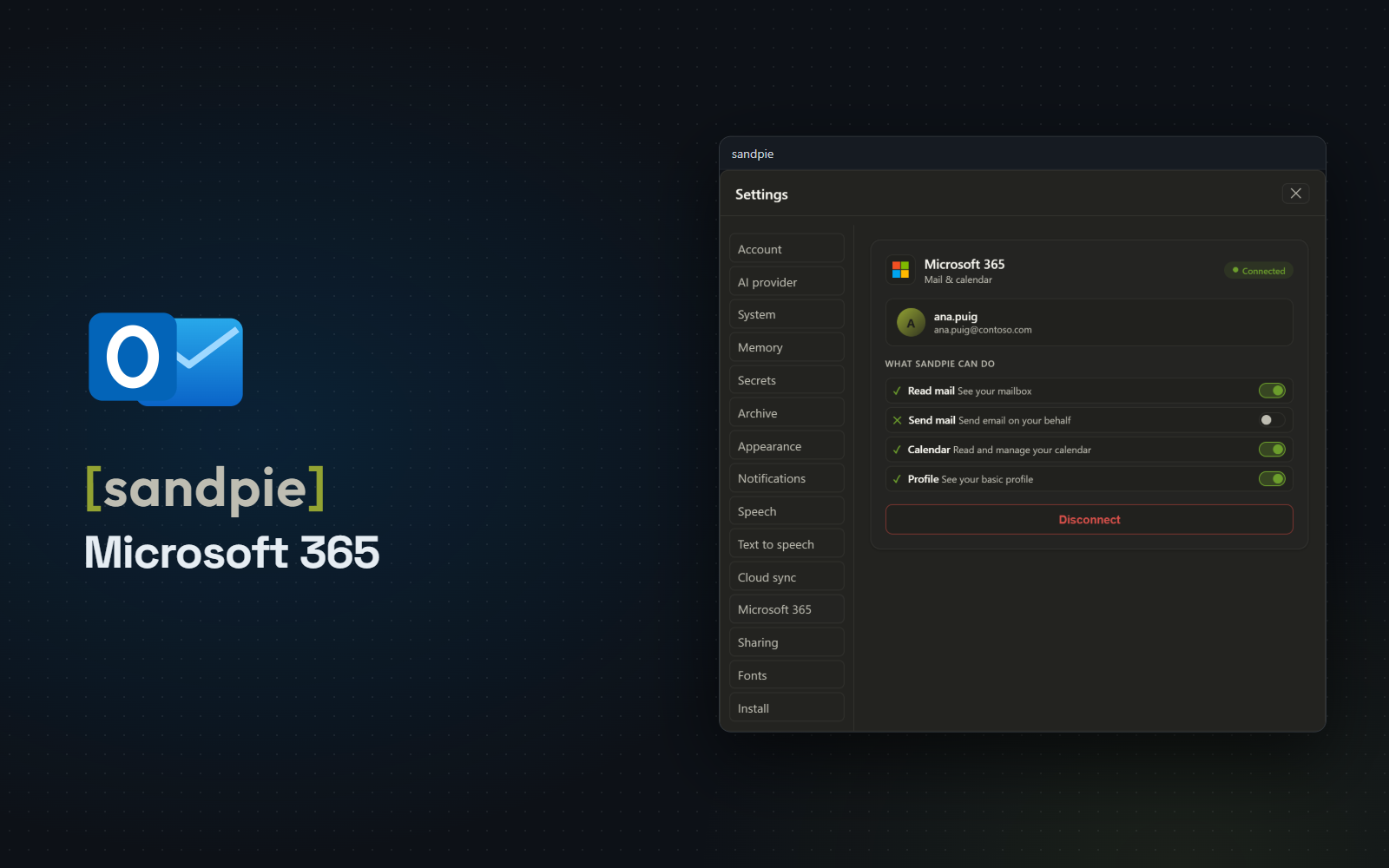
Microsoft 365: sandpie can read your mail and manage your calendar
Connect your Microsoft 365 account once and ask sandpie to go through your inbox, draft replies, or find a free slot and book a meeting. You decide what it can do, permission by permission.