Talk to sandpie
Dictate instead of typing, say "OK SandPie" to ask without touching the screen, and hear the answer read aloud. In the Android app it works from the start, even with the phone in a car mount.
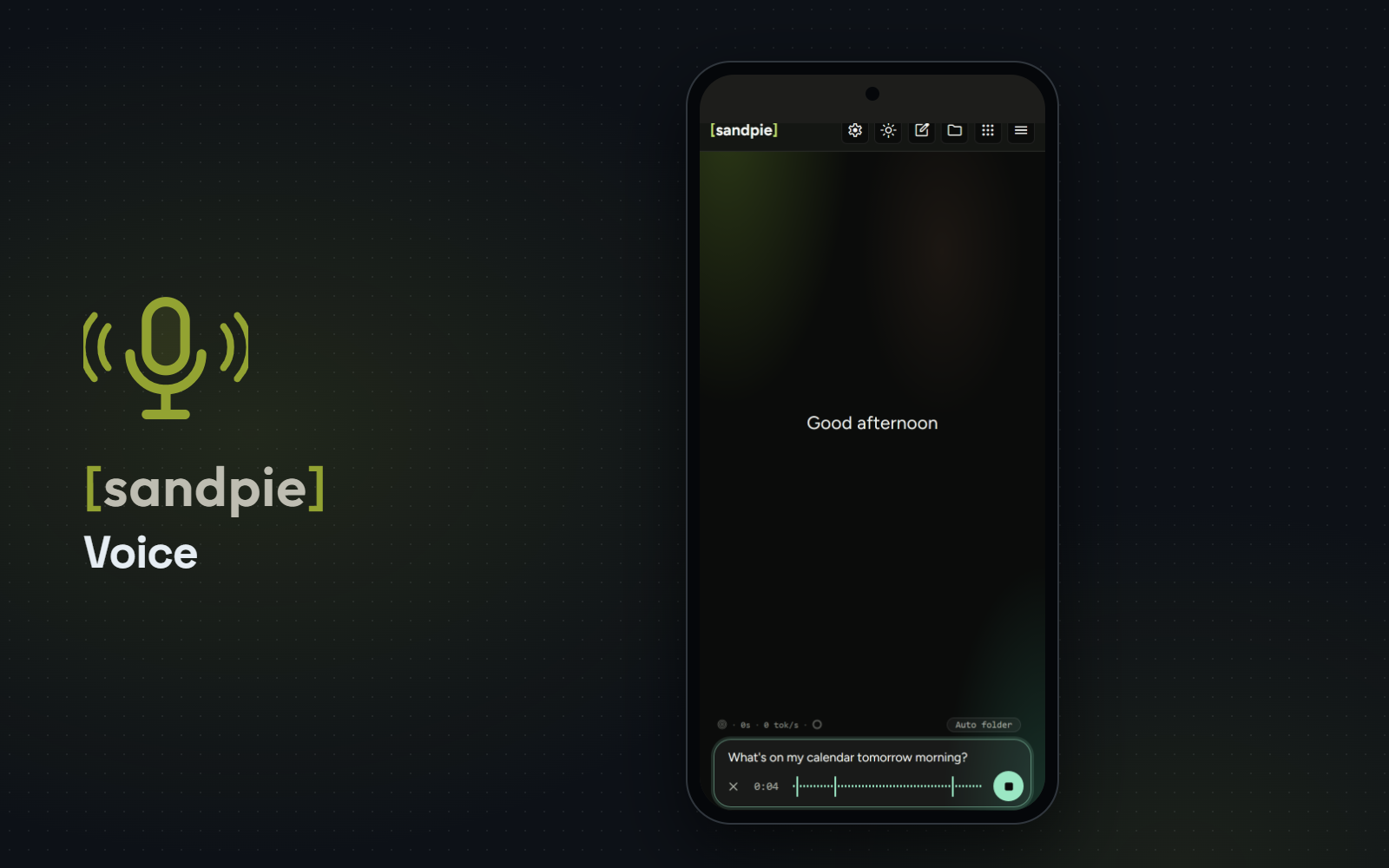
sandpie now listens and talks. Three new things work together:
- Dictation: tap the microphone and speak instead of typing.
- "OK SandPie": start a request with your voice, without touching the screen.
- Spoken replies: the answer to an "OK SandPie" request is read aloud.
In the Android app, the wake phrase and spoken replies are on from the start. In the desktop app and the browser, turn them on in Settings → Speech.
Dictation
Tap the microphone at the right of the message box and speak. The box shows what you're saying as you go, with a timer and a live waveform so you can see it hears you. Tap the button again to stop, or ✕ to discard. Then edit the text or send it as usual.

Speak in your account's language (Settings → Account → Reply language). Your voice is sent to sandpie's server to be turned into text.
"OK SandPie"
Say "OK SandPie" and then your request, for example: "OK SandPie, what's on my calendar tomorrow morning?" You hear a short tone, dictation opens on its own, and when you stop speaking the request is sent.
- There's nothing to tap, so it works with the phone in a mount or your hands busy.
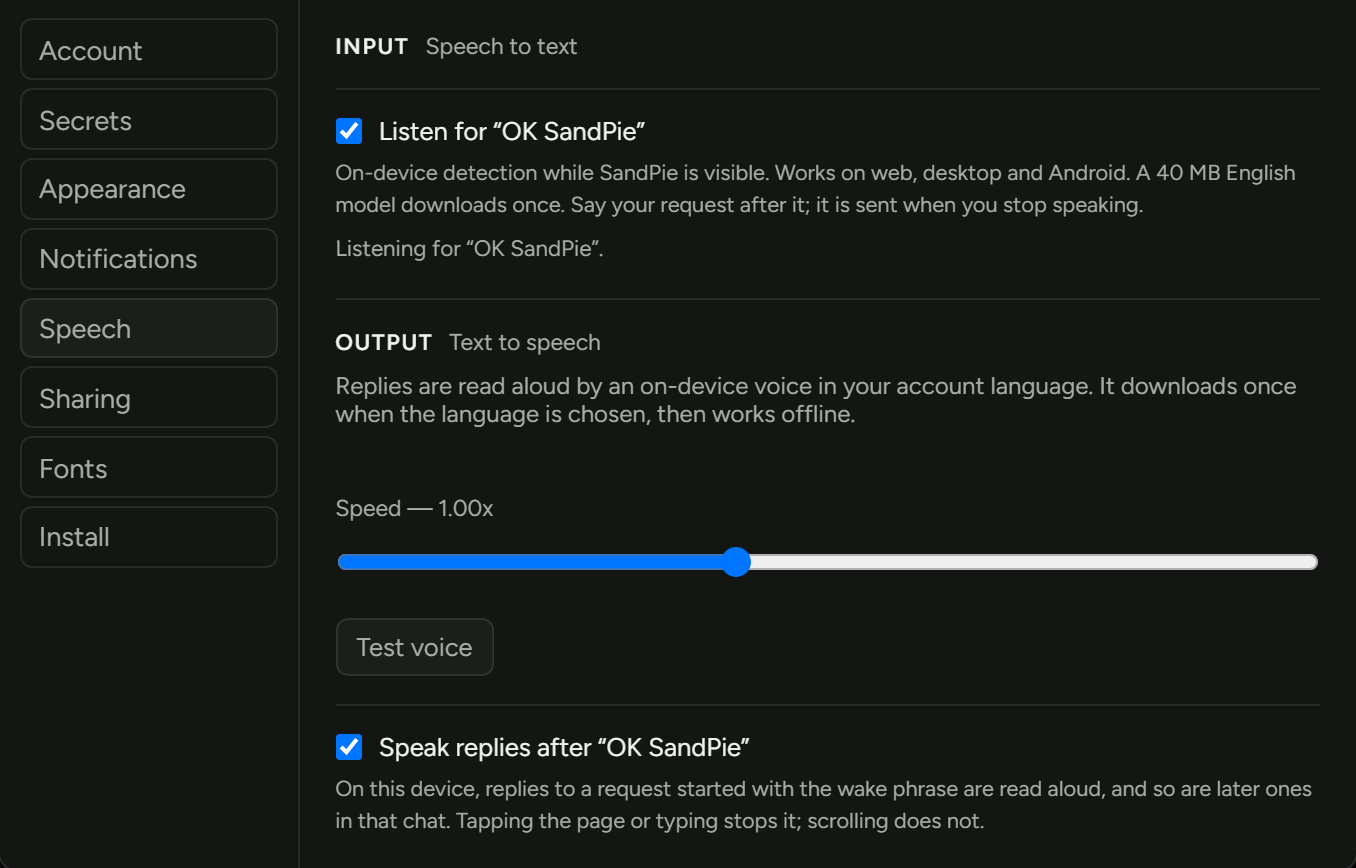
- Listening for "OK SandPie" happens on your device: nothing you say is sent anywhere until the phrase is heard. The first time, a 40 MB English model is downloaded.
- It listens while sandpie is open and on screen.
- You don't have to pause: what you say right after the phrase is kept, and the phrase itself is left out of your message.
Turn it on or off in Settings → Speech → Listen for "OK SandPie".
Spoken replies
When a request starts with "OK SandPie", sandpie reads the answer aloud. It opens its reply with a short answer of one or two sentences, and that is what you hear. The full reply, with any details, stays on screen for later.
- Later replies in the same chat are read aloud too, so you can carry on hands-free.
- Tap the page or type to stop it: sandpie takes that as a sign you're reading. Scrolling doesn't stop it.
- The voice runs on your device, in your account's language (English, Spanish, Catalan and about 30 more). It downloads once, about 60 MB, when you choose the language, and then works without a connection.
- Any reply can also be read aloud with the speaker button under it.
Turn spoken replies on or off in Settings → Speech → Speak replies after "OK SandPie". The speed and Test voice are there too.
Default settings
How each setting starts out, until you change it in Settings → Speech. Dictation is always available.
| Android app | Desktop app | Browser | |
|---|---|---|---|
| "OK SandPie" | On | Off | Off |
| Spoken replies | On | Off | Off |
Good to know
- The wake phrase is in English whatever your language: "OK SandPie" or "Okay SandPie".
- Dictation needs a connection. The wake phrase and the voice work offline once downloaded.